


The world heavily relies on wi-fi, but various obstacles can impede its functionality – even your meal.
Alex Hills is a trailblazer: he was among the first individuals globally to combat their wi-fi connection issues. In 1993, he supervised the team that constructed one of the initial extensive wi-fi networks while working as a professor at Carnegie Mellon University in the United States. Hills recounts this experience in his publication, “wi-fi and the Bad Boys of Radio.” However, the term “Bad Boys” does not refer to his eclectic group of internet pioneers; rather, it denotes the objects and processes that obstruct seamless wi-fi operation.
Your household may harbor its own disruptive elements that strive to disrupt your online activities. Some interruptions are predictable, such as thick walls, while others are peculiar.
Recognizing these hindrances could aid in resolving connectivity issues and potentially alter your perception of one of the most crucial technologies in your daily life.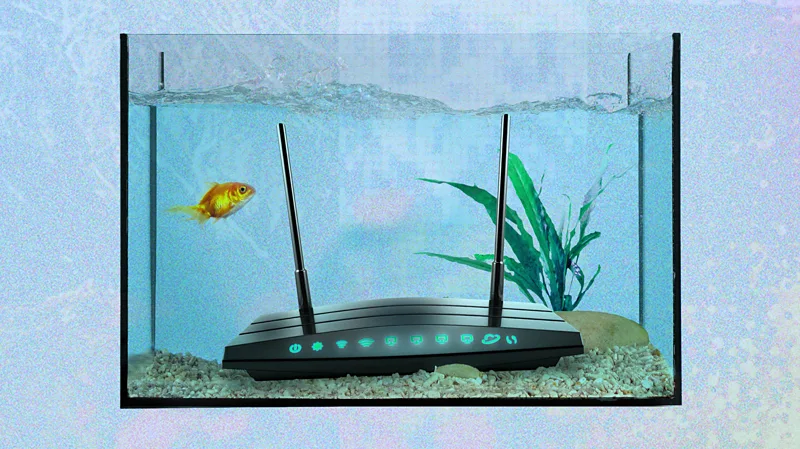
1. Microwaves
For 17 years, astronomers in Australia were puzzled by enigmatic radio signals. Some attributed them to solar flares, while the public suspected extraterrestrial origins. Eventually, they discovered the source was closer to home: their telescope was intercepting energy bursts from the office microwave during lunchtime.
Telescopes are not the only devices susceptible to troublesome microwaves; they can also disrupt your wi-fi signal.
Wi-fi, like most wireless communication technologies, transmits data via radio waves. While governments allocate most radio frequencies for specific functions like law enforcement and air traffic control, some are designated for unlicensed public use.
The 2.4 GHz frequency is commonly utilized by wi-fi networks and Bluetooth gadgets. Coincidentally, this frequency coincides with that used by microwaves for heating food.
Microwave ovens are designed to contain their waves, but if the microwave is old or opened prematurely, it can interfere with your wi-fi signal.
Hills notes that microwaves, fluorescent lights, or car ignition systems can all cause interference, but modern microwaves are less problematic as they are better shielded, and wi-fi can now operate on the 5 GHz frequency.
However, if you have an older wi-fi setup or a dated microwave, preparing meals could disrupt your online activities.
2. Fish tanks
If you have aquatic pets at home, they could pose a challenge for your wi-fi connection.
Hills explains that radio signals weaken with distance, and when they encounter an object that obstructs their path, it is termed “shadowing.”
Water and wi-fi signals do not mix well, as water molecules can absorb the signal’s strength. Having a fish tank between your router and device can create a dead zone for wi-fi reception.
Shadowing, caused by materials like brick or concrete, is a prevalent issue in wi-fi networks.
While radio waves can pass through materials like wood easily, denser substances can impede their flow.
To enhance wi-fi reception, positioning your router centrally and at a higher elevation is recommended.
If this does not improve the signal, options include using a wi-fi extender to amplify the signal or setting up a mesh network with multiple devices to distribute wi-fi evenly throughout the area.
3. Mirrors
In addition to microwaves and fish tanks, another common interference factor is reflection.
Radio signals behave similarly to light, bouncing off reflective surfaces such as mirrors and causing disruptions in wi-fi connectivity.
Flat reflective surfaces like TVs or walls made of metal sheets can deflect wi-fi signals.
If you encounter dead spots in your residence, assess if mirrors or large TVs are deflecting the signal away from your device.
Adjusting the placement of reflective surfaces or using wi-fi extenders can help mitigate this issue without rearranging your living space.

